Each organization in the global community of Crossref members (that’s currently over 24k organizations in 166 different countries) plays a key role in building the Research Nexus. Any opportunity we have to meet with our members in person is a highlight and a way for us to learn more from each other. The month of January saw three of us travel to Bangkok to attend the first-ever Charleston Conference organised in Asia and to meet with our growing community in Thailand.
This year, we placed a spotlight on the Latin American community, hosting the second Crossref Metadata Sprint in São Paulo, Brazil from 4 - 6 March 2026. In our first tri-lingual event, we brought together 31 participants from Argentina, Brazil, Colombia, Ecuador, and Mexico. Our goal was to foster community co-creation using the open scholarly metadata. The Sprint was an opportunity to pose questions, share ideas, collaborate on research, and propose innovative solutions that enhance the use of metadata in scholarly communication and beyond.
Read on for more details about the content of the Sprint, and the resulting projects. You can also register to join our Sprint Showcase call on 22nd April to hear directly from the team about their creations.
On 17 March 2026, we experienced an outage that affected DOI resolution for Crossref DOIs and the deposit of metadata records by Crossref members. In this summary, we outline what happened, the impact on our community, and the steps we are taking to strengthen our systems and processes as a result.
We’re excited to announce a new data citation API endpoint and are seeking your feedback. The new service makes existing data citation relationships in our metadata available, thereby surfacing this part of the research nexus. At the same time, we’ve decided that it’s time to move on from Event Data.
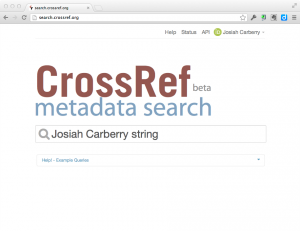
You can now easily search for publications and add them to your ORCID profile in the new beta of Crossref Metadata Search (CRMDS). The user interface is pretty self-explanatory, but if you want to read about it before trying it, here is a summary of how it works.
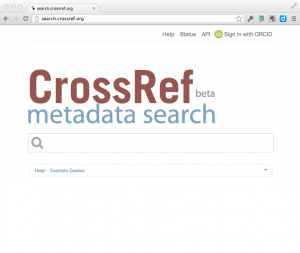
When you go to to CRMDS, you will see that there is now a small ORCID sign-in button on the top right-hand side of the screen.
click on thumbnail to see larger image
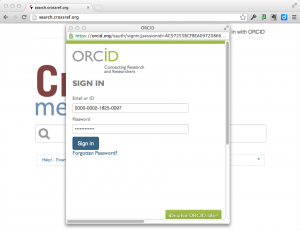
Clicking on this button allows you to connect CRMDS to your ORCID profile and authorises CRMDS to add publications to your profile. First, if you are not already logged into ORCID, CRMDS will ask ORCID to log you in:
click on thumbnail to see larger image
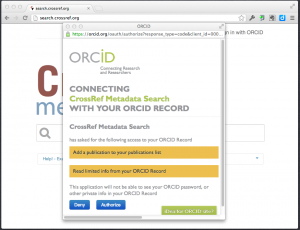
Once you have logged in, ORCID will ask you if you want to allow CRMDS to be able to view and update your ORCID profile:
click on thumbnail to see larger image
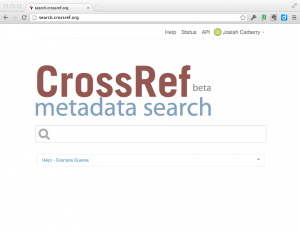
After you authorise CRMDS to access your profile, you will be returned to the CRMDS screen and the top right corner of the CRMDS page will indicate that you have connected to your ORCID profile (note, you can always de-authorise CRMDS from accessing your ORCID profile in your ORCID settings):
click on thumbnail to see larger image
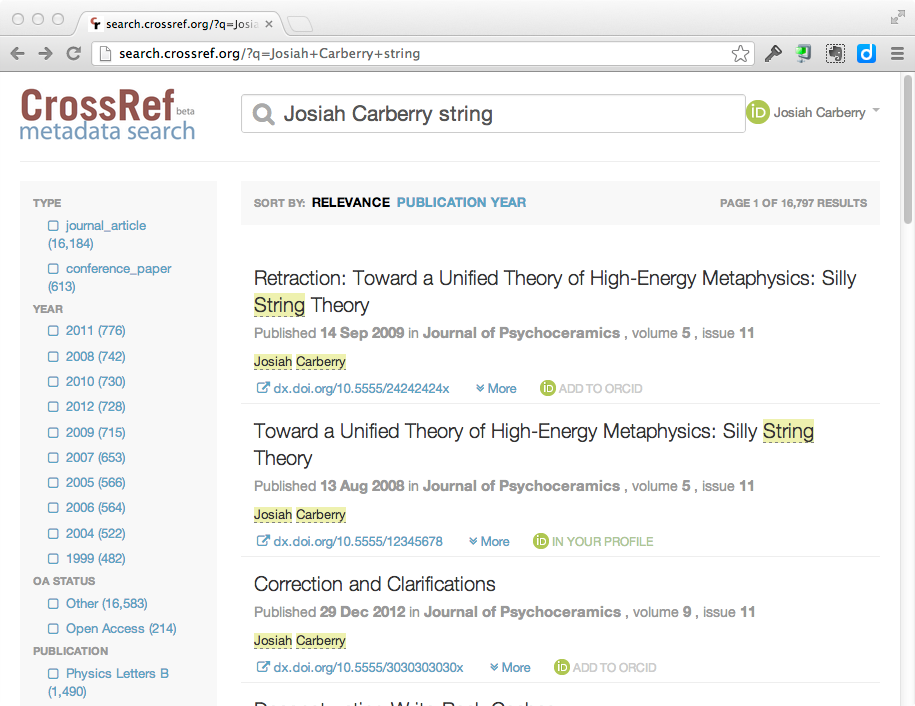
Once you are logged in, you can enter search terms that are likely to return records of your publications:
click on thumbnail to see larger image
Each search result will show an icon telling you whether that particular item is visible in your ORCID profile. If the item is not in your ORCID profile, you see an icon like this:
And if the item is already in your ORCID profile, you will see an icon like this:
In the following search results you can see that 1 item is already in Josiah Carberry’s profile, and 2 items are not:
click on thumbnail to see larger image
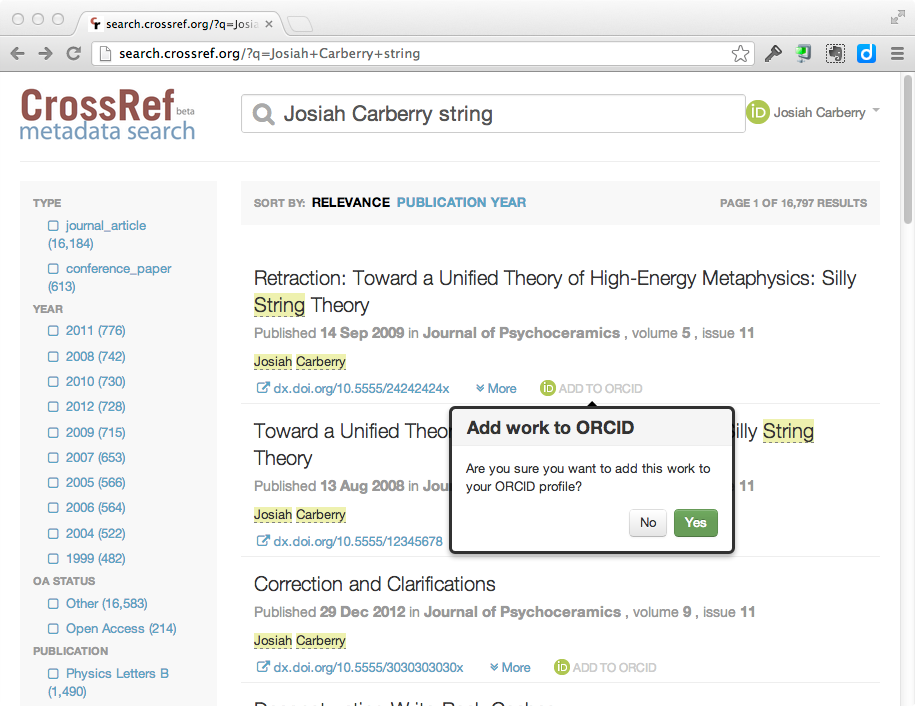
Clicking on the “Add to Profile” button will confirm that you want to add the specified publication to your ORCID profile:
click on thumbnail to see larger image
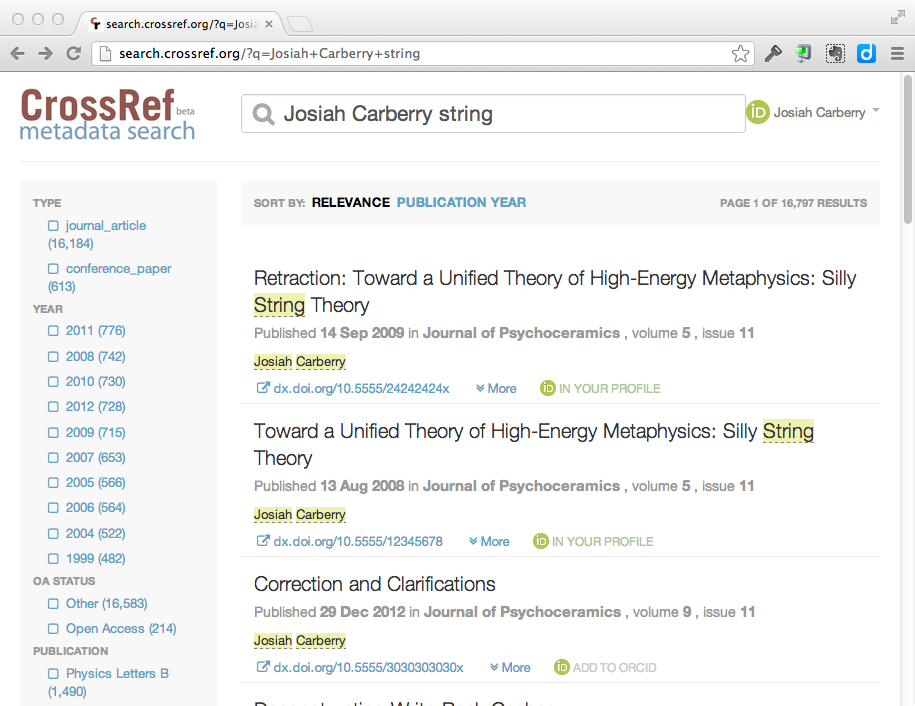
After clicking on “Yes” to add the publication to your profile, the search results will refresh to reflect that the item has been added.
click on thumbnail to see larger image
You can then just continue searching for and adding any publications that are not in your ORCID profile.
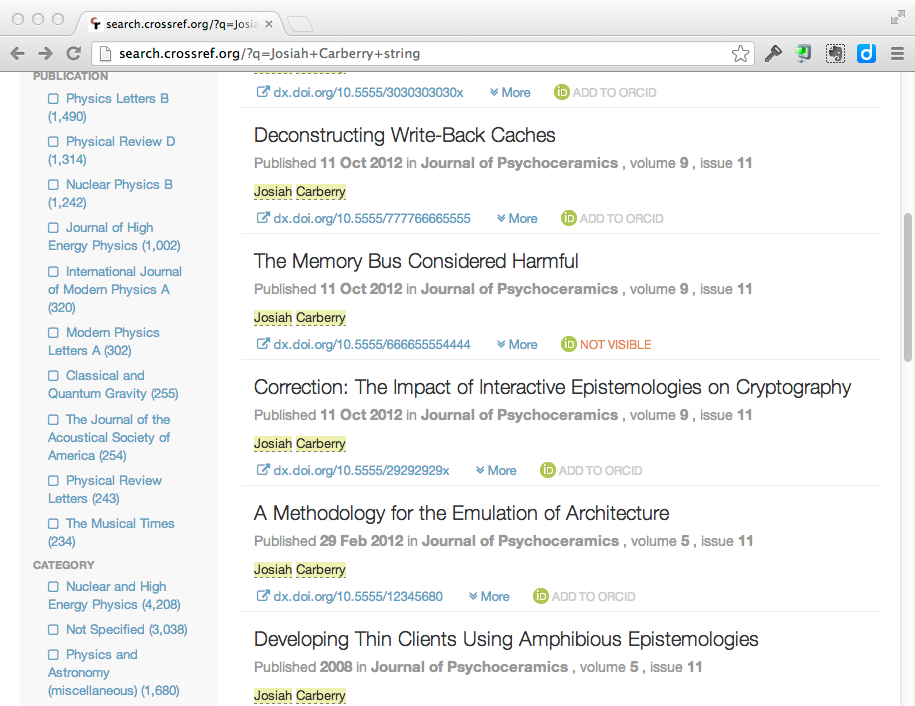
Note that, occasionally, you may see an orange icon that says that an item is “Not Visible”
click on thumbnail to see larger image
This only occurs when you have previously added an item to your profile using CRMDS and then either:
Set the ORCID privacy for that particular work item to “Private” in your ORCID profile.
Deleted the work from your ORCID profile.
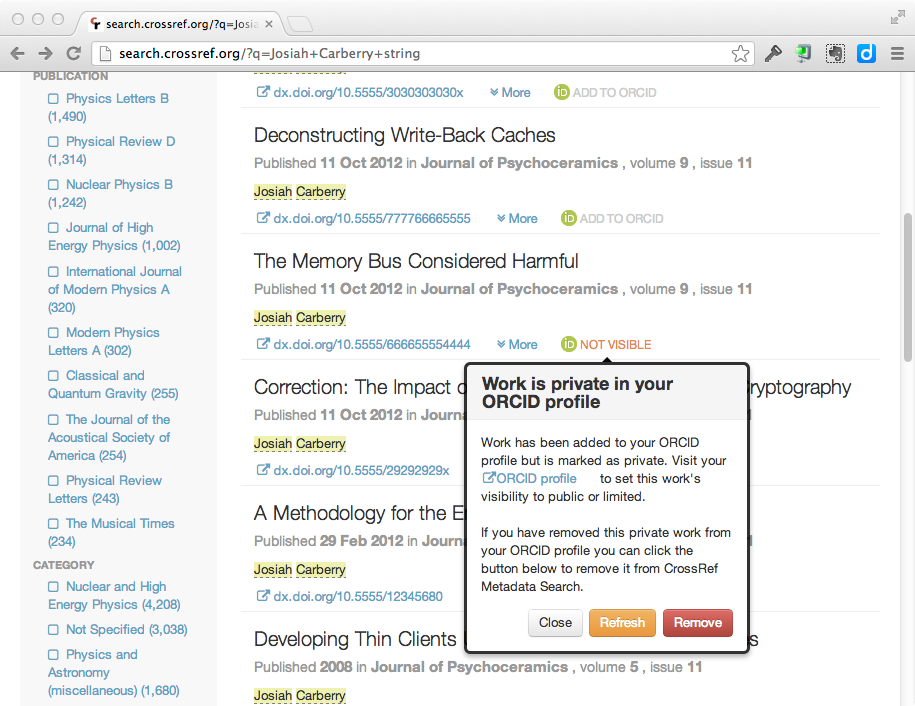
Unfortunately, CRMDS has no way to determine which of these two events occurred However, If you click on the “Not Visible” icon, you will be prompted with two ways to resolve this issue. Either you can:
Reset the privacy settings on the specified work to “Public” or “Limited”
Confirm to CRMDS that you have deleted the item from your profile.
click on thumbnail to see larger image
If the issue was your privacy settings, then once you have changed the privacy settings to public/limited you can simply click on the “Refresh” button and CRMDS will reflect the correct status of the work.
The best way to avoid this kind of confusion is to go to your ORCID settings and set the default privacy level for “works” to either “limited” or “public.”
Crossref Metadata Search is still a “Crossref Labs” project and, as such, we are very interested to hear feedback on this new ORCID functionality for CRMDS. Please send comments, etc. to: